
Controls
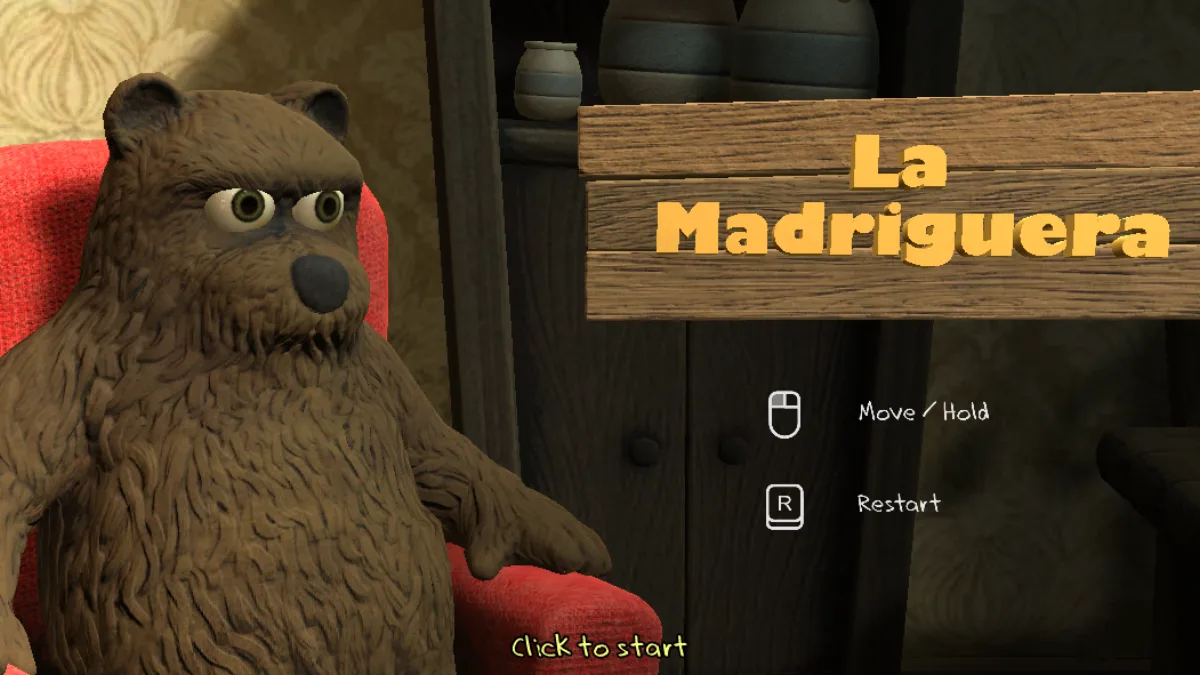
La Madriguera controls and physics
The challenge comes from force, grip, and reaction. Mastering Move / Hold matters more than memorizing one exact route.
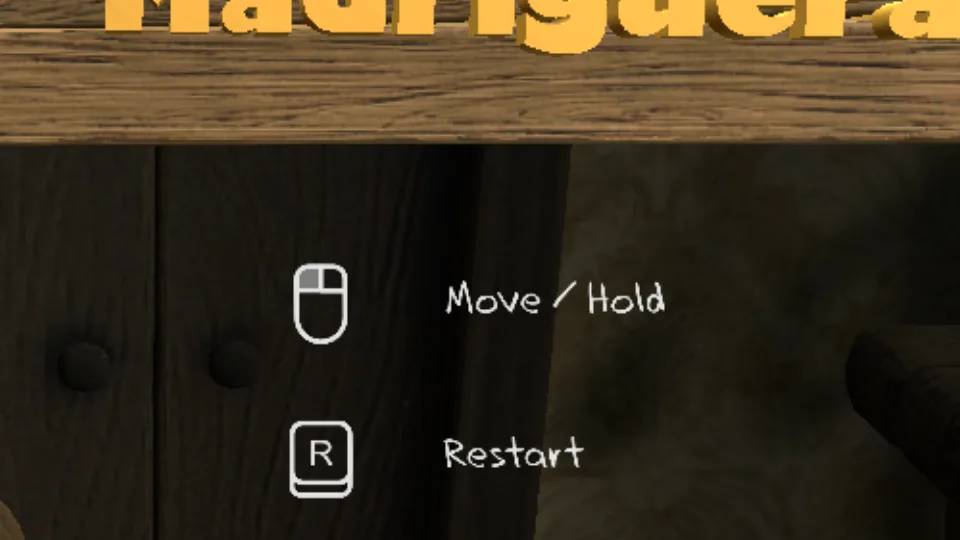
1. Dragging does not mean pulling hard
The longer the drag, the easier it is for the physics to answer with a hit. Use small movements to measure how each object reacts.
2. Release to recover stability
If an object starts spinning too much, release it. Wait briefly and grab again from a lower point or closer edge.
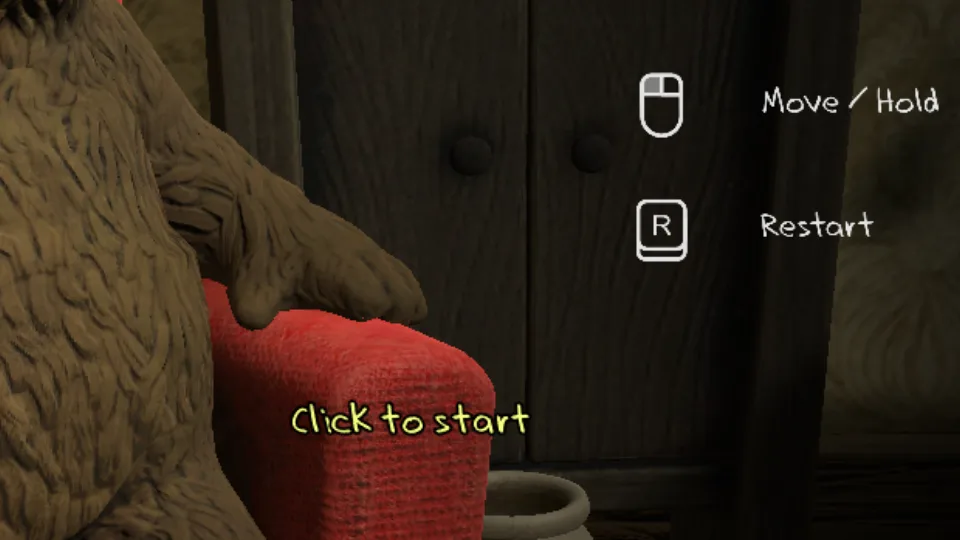
3. Treat Restart as a tool
Restart is not just giving up. It is part of learning: each reset lets you practice the first grab from the same reference point.
FAQ
Quick questions
Mouse or trackpad?
Mouse is usually more precise, but a trackpad works if you keep movements short.
Which control should I learn first?
Learn when to release. Do not fight an object that has already lost stability.
Why do objects jump?
The pull applies too much force or grabs from a point that creates rotation.