How to play La Madriguera without getting lost
Start by treating the whole scene as the control surface. The goal is not to rush, but to move a little, watch the reaction, and correct before the setup becomes messy.
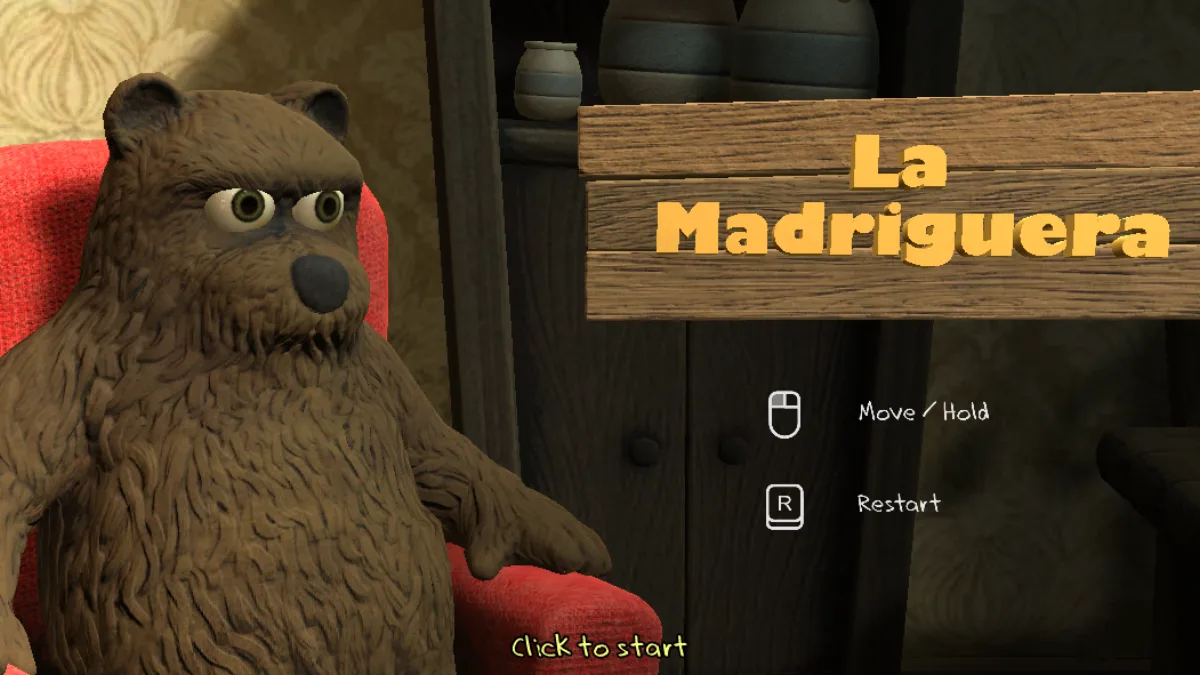
1. Read the goal before dragging
Find the seated character, the object area, and the sign. The scene behaves like a small physics table: a pull that is too long can ruin a clean route.
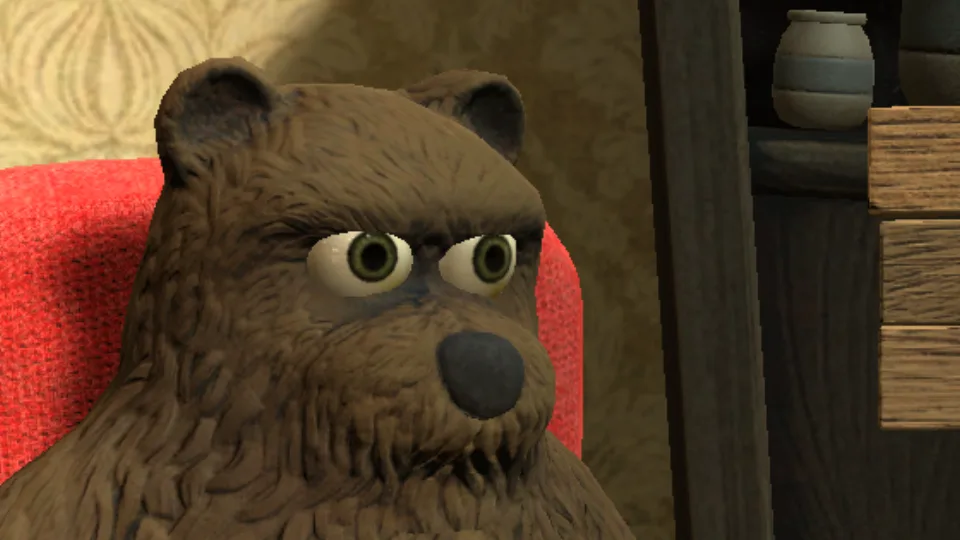
2. Use Move / Hold in short pulls
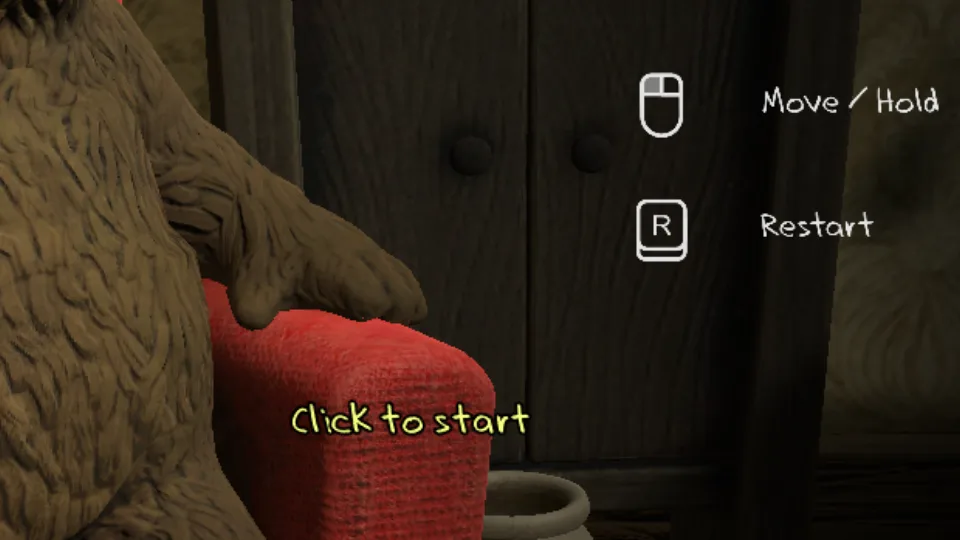
Hold click and drag in small segments. If an object reacts too strongly, release, wait, and grab from a different point.
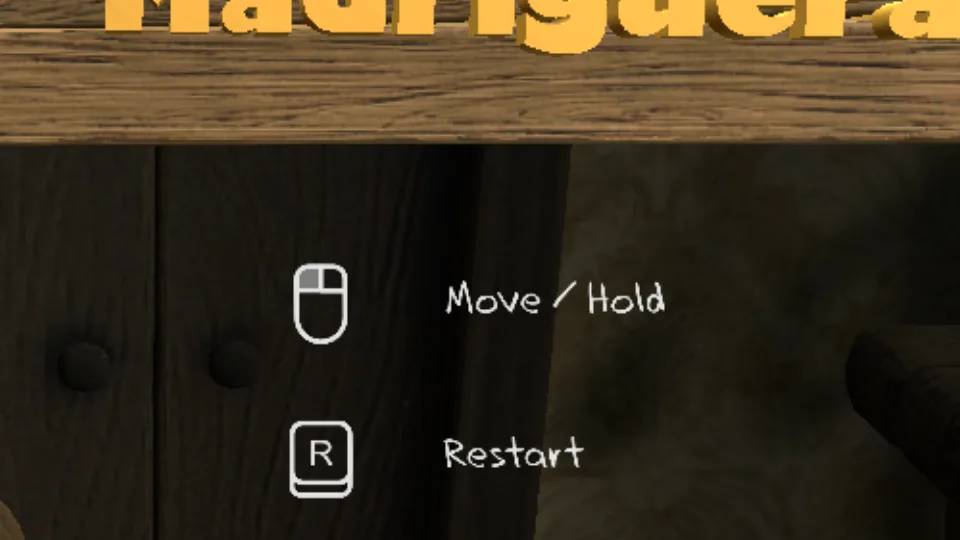
3. Restart when the scene stops helping
Restarting is not failure. If the table flips or the tool gets trapped, returning to the start saves more time than rescuing a broken setup.
Quick questions
Do I need the keyboard?
The main control is mouse or trackpad dragging; the R key is shown as the restart reference.
Should I play fast on the first attempt?
No. First learn which objects react in a stable way, then look for speed.
Why does my first attempt become chaotic?
Usually because the pull is too long or the object is pushed before it is properly supported.